Read more. Together with your people.

Challenge your friends, start a book club, read the Bible with your church group and post your reading week to your story. Free, on your phone and computer.

Sign in with Google or email. No ads. The app is available in English, Portuguese, Spanish and Chinese.

  • Read togetherchallenges, rankings and friends
  • Communitybook club and church group
  • Devotionalthe Bible in the app, with your group
  • Day to daytimer, streak and numbers

Reading together makes you read more

Challenge a friend: you pick what counts and the deadline, and the score moves on its own with each person’s reading.

  1. Pick what counts

    Pages, finished books or days reading, for 3, 7, 14 or 30 days.

  2. Follow the score

    Both bars and the days left show up on your Home screen.

  3. Won? Post it. Lost? Rematch.

    The winner gets the result image for their story; whoever lost can call for the next one right away.

Weekly ranking

Pages, days in a row and Bible chapters, among friends or overall. Whoever finishes the week in 1st gets a medal.

Who’s reading now

Each friend’s book, today’s reading in the feed, likes and comments.

Whispers

A short message for someone who is reading. It disappears in 24 hours.

Community: your club and your church, in one place

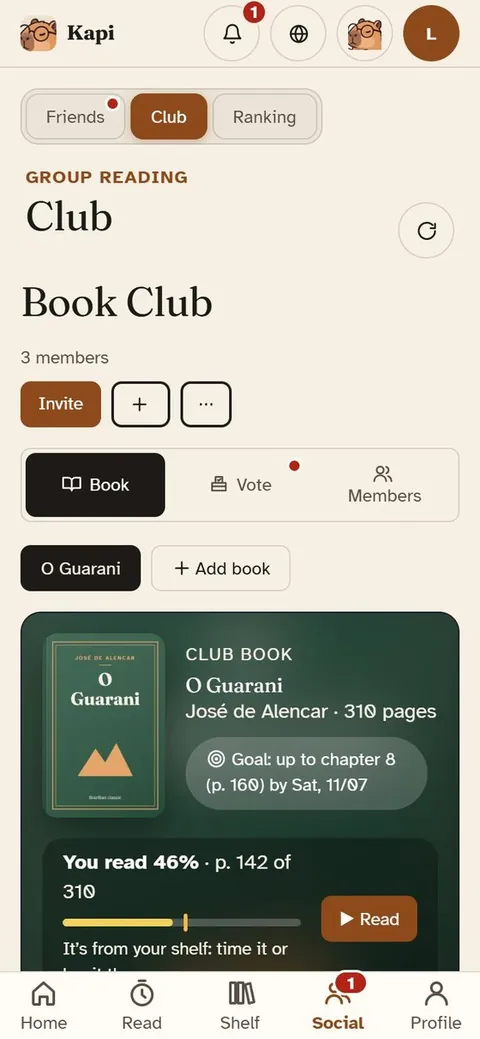
Your groups live in the Community tab. You create one in a minute and invite people with a code.

Book club

With friends, classmates or coworkers

  • No spoilersThe board only shows what you’ve already read.
  • Everyone at their own paceProgress shows as a percentage, even with different editions.
  • Votes and meetupsThe group votes on the next book and sets the meetup, with a reminder the day before.

Church or small group

To read the Bible together during the week

  • A Bible plan togetherEveryone reads the same passage and sees how the others are doing.
  • Questions and prayer requestsStudy questions for the meeting and a board to pray for one another.
  • Prayer clockEach person picks an hour, and the group covers all 24 hours of the day.

Devotional: your time with God, every day

  • The Bible inside the appToday’s reading opens right at the chapter, with highlights and notes, and gets marked on your plan.
  • Reading plansThe Bible in a year, chronological, the New Testament in 90 days, Psalms and Proverbs in a month.
  • Verse of the day and devotional journalA verse to start the day and a place to write down what the reading said to you.
  • Christian calendarChallenges for Lent, Holy Week, Pentecost, Reformation Day and Advent.

All optional: the devotional and church groups only show up if you turn on the Bible tab.

Your daily reading, with nothing to set up

Pick the book and press play. Kapi counts the time, the streak and the pages, and shows numbers other apps don’t.

  • 38pages per hour: your pace
  • 16days in a row reading
  • 12/12the day you’ll finish the book
Timer
Keeps counting with the app closed. It has a 10 to 60 minute alarm and optional lo-fi while you read.
Streak and medals
Days in a row, your record and achievements that show on your profile.
Shelf
Reading, want to read and read, with ratings, editions and tags. Bring your books from another app or scan the barcode.
Read inside the app Beta
Your EPUB or PDF opens in Kapi, with highlights and notes, and the timer counts on its own. Includes free classics.
Recommendations
What to read next, based on what people who read the same books as you read.
Themes and events
Light or dark paper, Custom and, with Kapi+, Christian, Reformation and more. Plus literary events near their date, on your Home screen.

Your reading becomes a post

One tap and the image is ready for your story, with your books, your numbers and the look you choose. You can even change the texts.

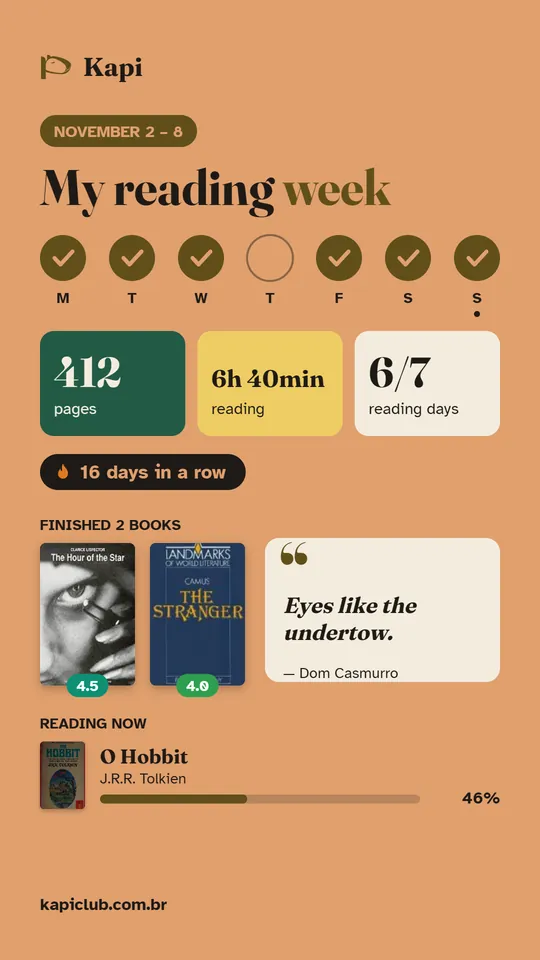
My reading week image, with the days read, pages, streak, finished books and a quote
My weekDays read, pages and a quote
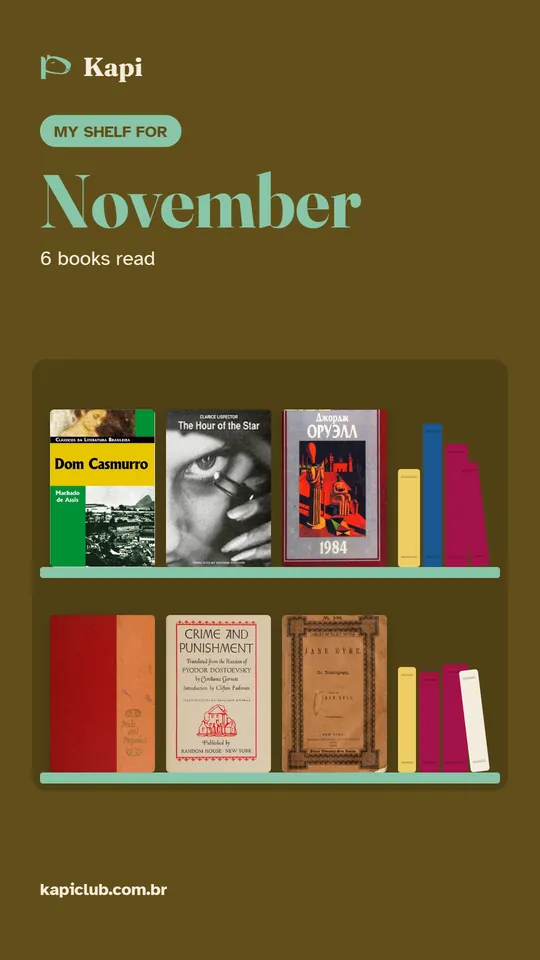
Shelf of the month image, with the covers of the books read facing out on the shelves
Shelf of the monthThis month’s books on the shelf
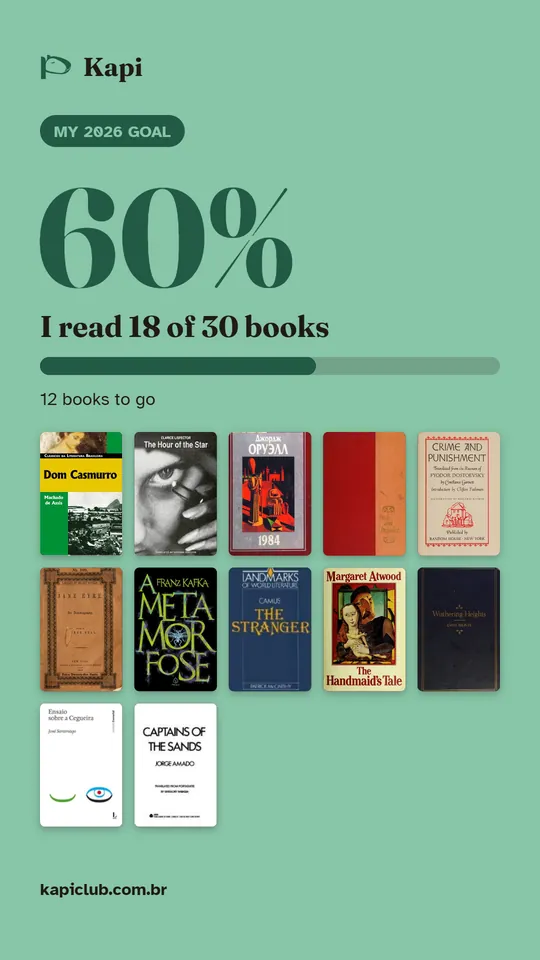
Yearly goal image, with 60% and the covers of the books read
Yearly goalHow far you are from your goal
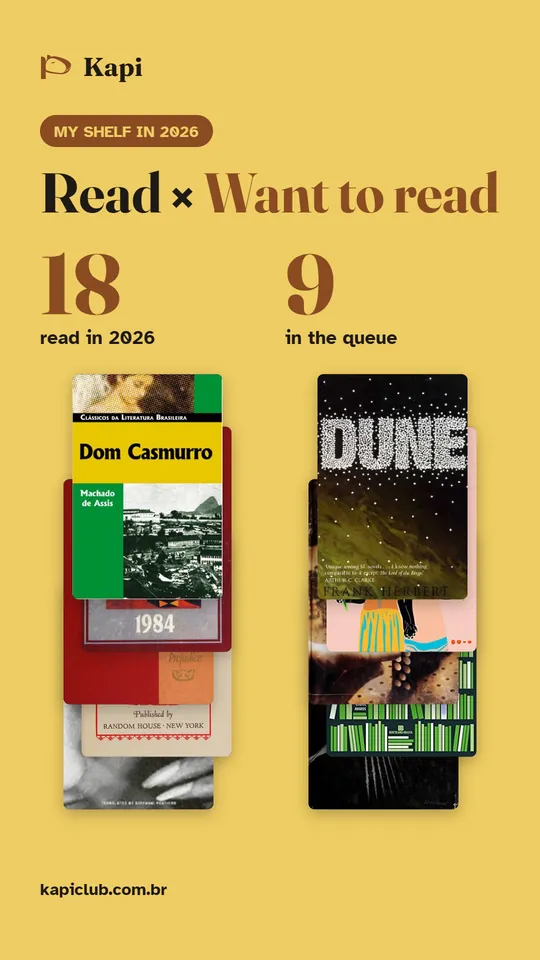
Read × Want to read image, with two stacks of books
Read × Want to readThis year’s stack against the queue
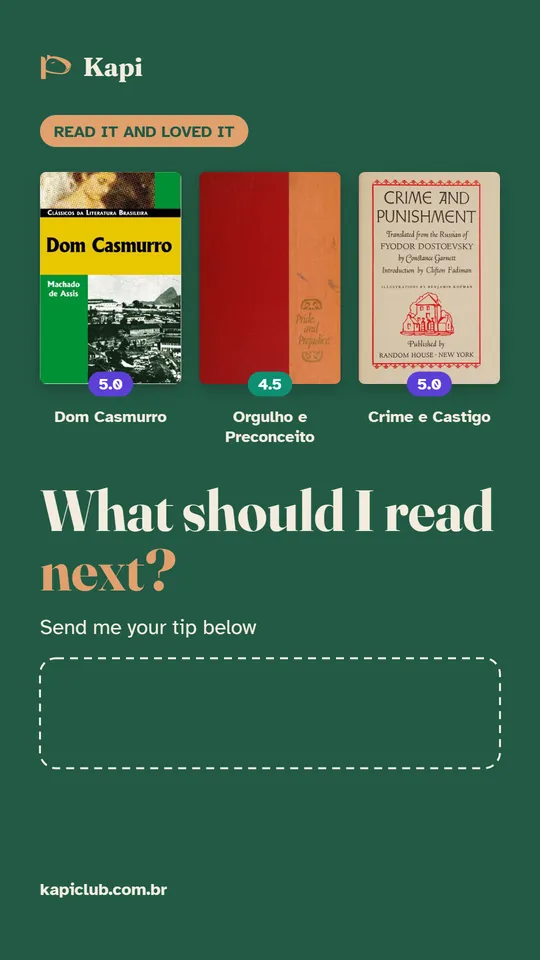
Any recommendations? image, with three favorite books and the question What should I read next?
Any recommendations?Your favorites and a request for tips
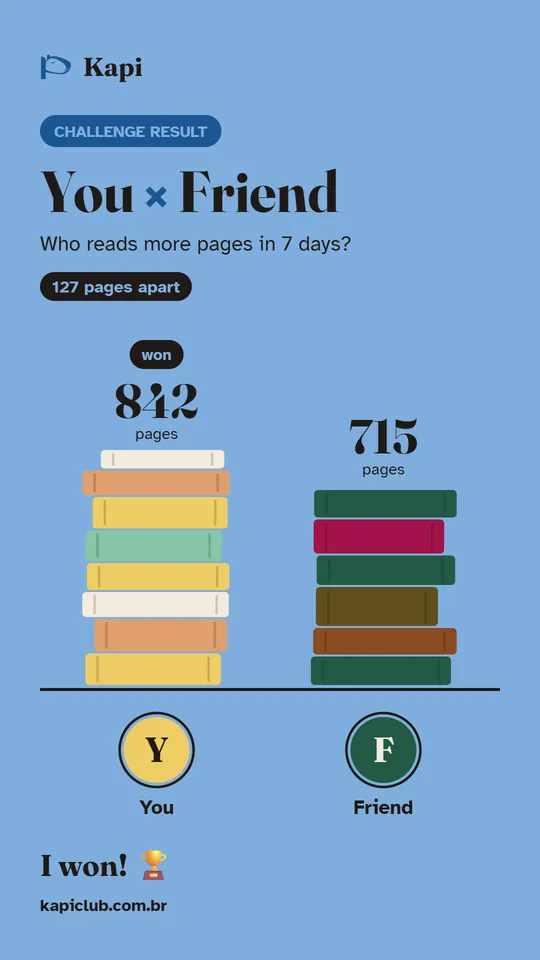
Challenge result image, with each person’s stack of books and who won
Challenge resultWho read more, in two stacks of books

There’s also an image for every book you finish, "Our club read", "My year in colors" and the reviews: 24 images for your year and 21 for your month. In the Kapi look, each image comes in the color you pick from the 8 brand colors, and there are more looks to choose from. The images come out in the language you use the app in.

Before you sign up

Is Kapi free?

Yes. The timer, shelf, stats, streak, friends, up to 5 challenges at a time, ranking, your yearly book goal, devotional, 5 themes and 1 book club of your own are free. Kapi+ is optional.

What is the Community tab?

It’s where your groups live: the book club and, if you turn on the Bible tab, your church or small group, with a Bible plan together, study questions, prayer requests, a prayer clock and the meeting date.

Do I have to follow the Bible plan?

No. The devotional and church groups are optional: you can turn the Bible tab on or off whenever you want. When it’s on, the chapters you read count as pages in your year.

How do challenges work?

You pick a friend, what counts (pages, finished books or days reading) and the deadline (3, 7, 14 or 30 days). They accept and the challenge starts. At the end, the winner gets the result image and whoever lost can ask for a rematch.

I already use another reading app. Do I lose my books?

No. Upload the file exported from the other app or paste your list of books, and they arrive with status, rating and reading date.

Does it work on phone and computer?

On both, through the browser, and your reading stays the same on every device. On Android you can also install it from Google Play.

Do my friends see everything I read?

Only if you want. Your profile can be public or private, and reading time never shows in the ranking.
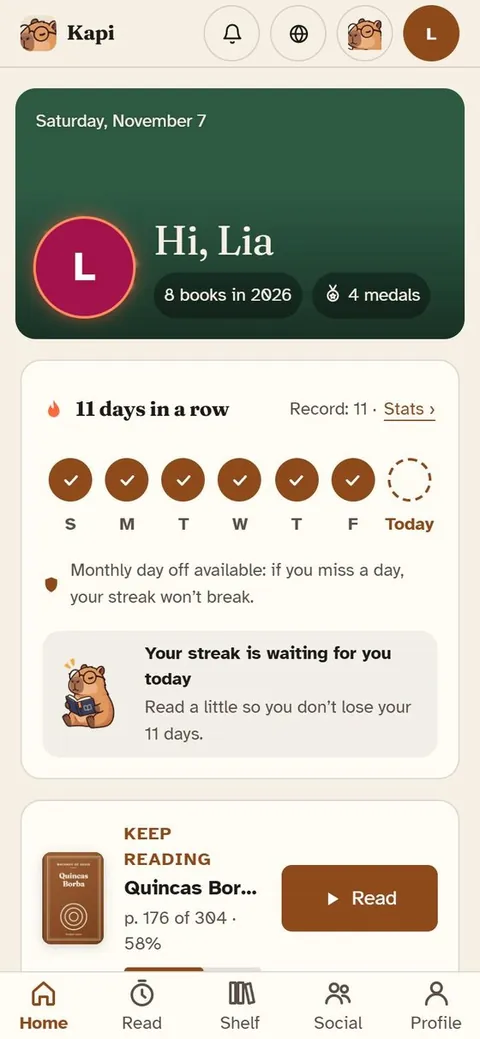

Kapi, the capybara with glasses, reading a book

Pick the book and press play.

Your account takes less than a minute, with Google or email. Your streak starts with your first reading, and your first challenge is just a friend away.

Get started